MyFlopy- India's Best Storage App

Turn Your Old PC Into a Private Cloud
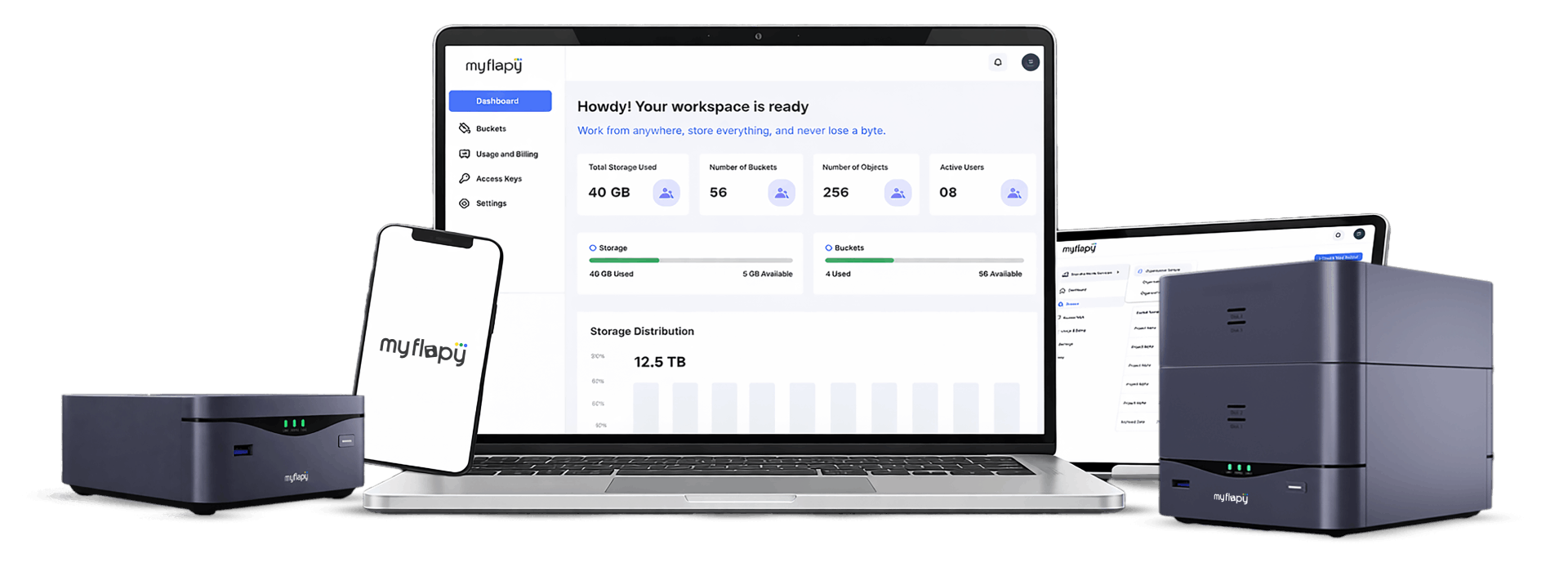
Install MyFlopy NAS on your existing PC or server and create a secure private cloud with full control over data, users, and storage — without usage-based billing.
Why MSMEs Are welcoming Private Cloud
As business data grows, public cloud bills grow with it — storage, users, transfers, everything compounds.
With Make Your Own Cloud:
- Storage depends on your hardware needs. Expand as you wish
- No per-user fee. No egress charges
- Annual flat fee. Unlimited Users. Unlimited Data.
Instead of paying per GB forever, MSMEs are choosing predictable, self-controlled infrastructure.
Private Cloud Operating System for Self-Hosted NAS
MyFlopy NAS is a self-hosted cloud storage software and NAS operating system designed for Indian MSMEs looking for a Google Drive alternative, fixed-cost cloud storage, or private cloud server setup.
Instead of paying usage-based public cloud bills, you:
- Install cloud software on your own hardware
- Control storage capacity & Manage user access
- Access files securely from anywhere
Why Choose A
Self-Hosted Private Cloud?
Public Cloud Storage
- Install cloud software on your own hardware.
- Install cloud software on your own hardware.
- Install cloud software on your own hardware.

MyFlopyOS
- Install cloud software on your own hardware.
- Control storage capacity & Manage user access.
- Access files securely from anywhere, on any device.
Private Cloud Vs Public Cloud
| Feature | Public Cloud | Make Your Own Cloud |
|---|---|---|
| Pricing | Usage-Based | Fixed Annual Fee |
| Storage Growth | Cost Increases | Add your own old hardware |
| User Pricing | Per User | Unlimited Internal Users |
| Data Control | Third-party infra | Your Own hardware |
| Data Privacy | Third-party oriented | Your secure location |
| Long-Term Predictability | Low | High |
3-Step Setup Process
How To Create Your Own Private Cloud

Install NAS Operating System
Download and install MyFlopyOS on your PC/server.

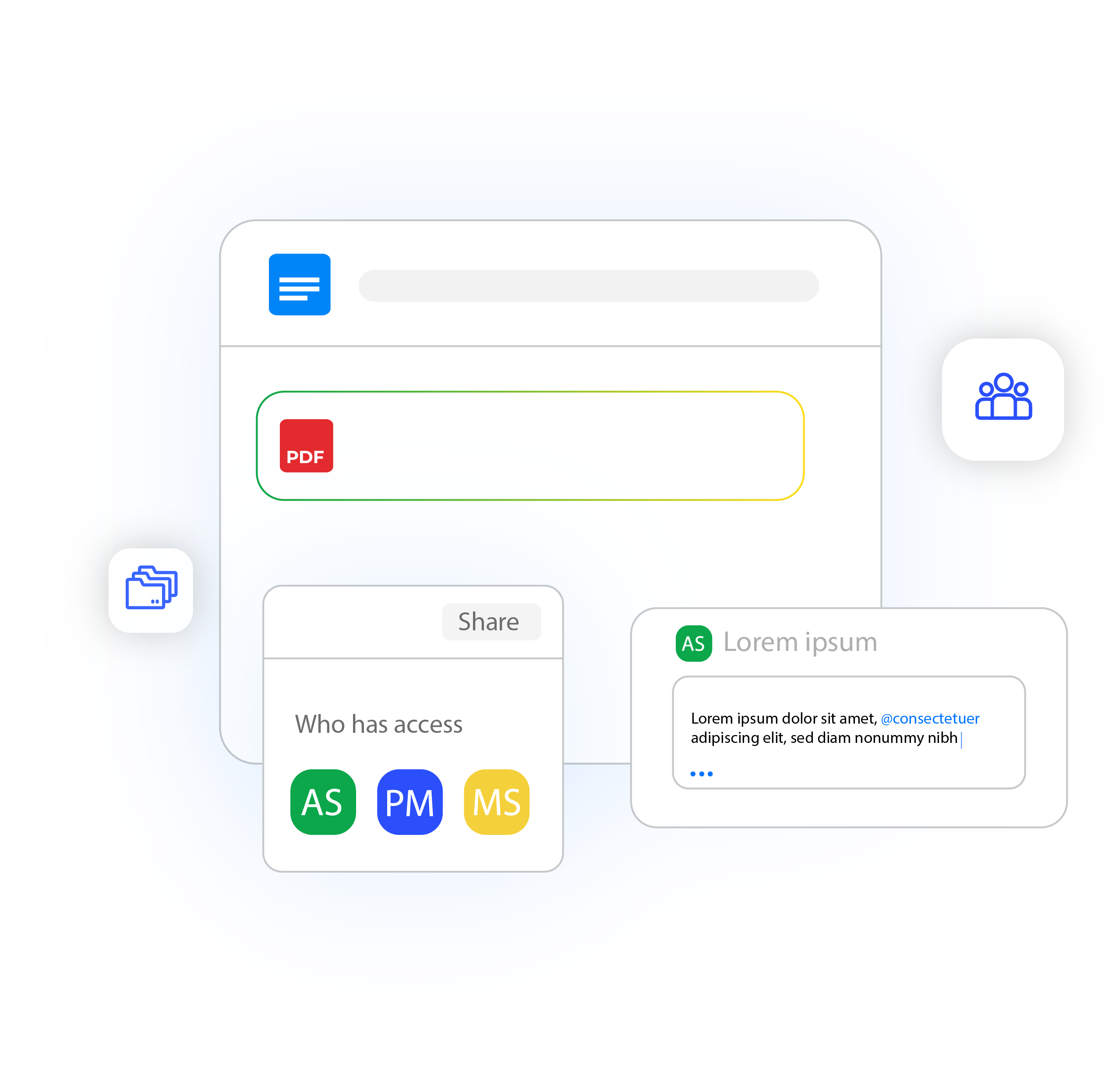
Configure Users & Storage
Set permissions, roles, and storage allocation.

Access Files Remotely
Secure remote access from anywhere. No enterprise IT team required.
Personal Cloud Storage
Predictable monthly and yearly plans designed for simplicity.
Starter
- Secure cloud storage
- Desktop & mobile backup
- Encrypted sharing
- Essentials, documents
- AES encrypted storage
- Fast uploads/downloads
- Optional NAS Box pairing
- Auto-backup folders
Essential
- Fast Sync
- Multi-device sync
- NAS connector support
- Daily backup plan
- AES encrypted storage
- Fast uploads/downloads
- Optional NAS Box pairing
- Auto-backup folders
Premium
- Family-scale storage
- Fast upload lanes
- Optional version history
- Ideal for families, creators
- AES encrypted storage
- Fast uploads/downloads
- Optional NAS Box pairing
- Auto-backup folders
Power User
- Creator-grade capacity
- High-speed pipelines
- Ideal for 4K/8K content
- Ideal for families, creators
- AES encrypted storage
- Fast uploads/downloads
- Optional NAS Box pairing
- Auto-backup folders
Starter
- Secure cloud storage
- Desktop & mobile backup
- Encrypted sharing
- Essentials, documents
- AES encrypted storage
- Fast uploads/downloads
- Optional NAS Box pairing
- Auto-backup folders
Essential
- Fast Sync
- Multi-device sync
- NAS connector support
- Daily backup plan
- AES encrypted storage
- Fast uploads/downloads
- Optional NAS Box pairing
- Auto-backup folders
Premium
- Family-scale storage
- Fast upload lanes
- Optional version history
- Ideal for families, creators
- AES encrypted storage
- Fast uploads/downloads
- Optional NAS Box pairing
- Auto-backup folders
Power
- Creator-grade capacity
- High-speed pipelines
- Ideal for 4K/8K content
- Ideal for families, creators
- AES encrypted storage
- Fast uploads/downloads
- Optional NAS Box pairing
- Auto-backup folders

SUPPORT
Not sure if your system is compatible?
Send your specs on WhatsApp and we’ll verify before you buy.
Frequently Asked Questions
What features are included in a private cloud NAS system?
A private cloud NAS system includes an admin dashboard, multi-user access control, role-based permissions, secure remote access, storage allocation management, and system updates. With self-hosted cloud software like MyFlopy NAS, businesses get full control over users, folders, and storage without depending on third-party infrastructure.
Does private cloud support multiple users and teams?
Yes. A self-hosted private cloud supports multi-user management with role-based access control. Businesses can create users, assign permissions, restrict folder access, and manage internal teams securely through an admin dashboard.
Is self-hosted cloud storage secure for business use?
Self-hosted cloud storage can be secure when configured properly. Since data is stored on hardware controlled by the business, it reduces third-party dependency. With role-based permissions, secure authentication, and internal access control, businesses maintain higher visibility over their data environment.
Where is my data stored in a private cloud setup?
In a private cloud setup, data is stored on the hardware (PC or server) where the NAS operating system is installed. This means businesses control the physical location, infrastructure, and access to their data.
Who should use a self-hosted private cloud in India?
Self-hosted private cloud is ideal for MSMEs, CA firms, legal firms, agencies, IT service providers, and businesses that handle sensitive data and want predictable cloud infrastructure without reliance on global public cloud providers.
Is private cloud suitable for CA and legal firms?
Yes. CA firms and legal practices often require controlled file access and internal data visibility. A private cloud allows them to store financial and legal documents on infrastructure they control, with role-based access and user management.
What features are included in a private cloud NAS system?
A private cloud NAS system includes an admin dashboard, multi-user access control, role-based permissions, secure remote access, storage allocation management, and system updates. With self-hosted cloud software like MyFlopy NAS, businesses get full control over users, folders, and storage without depending on third-party infrastructure.
Does private cloud support multiple users and teams?
Yes. A self-hosted private cloud supports multi-user management with role-based access control. Businesses can create users, assign permissions, restrict folder access, and manage internal teams securely through an admin dashboard.
Is self-hosted cloud storage secure for business use?
Self-hosted cloud storage can be secure when configured properly. Since data is stored on hardware controlled by the business, it reduces third-party dependency. With role-based permissions, secure authentication, and internal access control, businesses maintain higher visibility over their data environment.
Where is my data stored in a private cloud setup?
In a private cloud setup, data is stored on the hardware (PC or server) where the NAS operating system is installed. This means businesses control the physical location, infrastructure, and access to their data.
Who should use a self-hosted private cloud in India?
Self-hosted private cloud is ideal for MSMEs, CA firms, legal firms, agencies, IT service providers, and businesses that handle sensitive data and want predictable cloud infrastructure without reliance on global public cloud providers.
Is private cloud suitable for CA and legal firms?
Yes. CA firms and legal practices often require controlled file access and internal data visibility. A private cloud allows them to store financial and legal documents on infrastructure they control, with role-based access and user management.
Can agencies and IT service companies use private cloud for client data?
Yes. Agencies and IT service providers can use private cloud to manage client files securely, create separate access roles, and maintain internal data governance without exposing client data to shared public infrastructure.
Do I need an enterprise IT team to manage private cloud?
No. Basic system knowledge is sufficient to install and configure a self-hosted NAS operating system. Most small and mid-sized businesses can manage user access and storage allocation internally.
How does role-based access control work in private cloud?
Role-based access control allows administrators to define what each user can view, edit, upload, or download. This improves internal security and prevents unauthorized access within the organization.
Is private cloud better for data control compared to public cloud?
Private cloud provides greater data control because businesses manage their own infrastructure. Public cloud relies on third-party servers and shared infrastructure, while private cloud gives full administrative visibility and control.
Can I scale storage in a self-hosted cloud setup?
Yes. Storage capacity in a private cloud depends on your hardware. Businesses can upgrade disks or servers as their storage needs grow, without changing the cloud software model.
What industries benefit most from private cloud storage in India?
Industries that handle confidential or regulated data benefit most, including accounting firms, legal firms, consulting agencies, healthcare providers, IT service companies, and growing MSMEs.