Who Really Controls Your Cloud Data? A Guide to Secure Personal Cloud Storage
ByMyflopy Team | Blogs | February 4, 2026
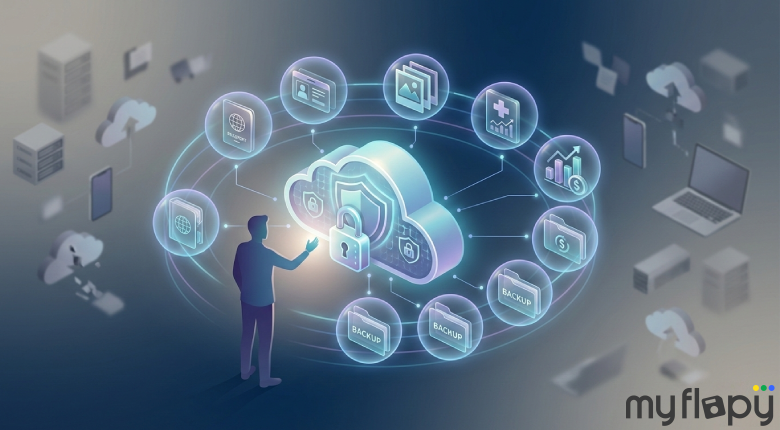
Table of Contents
What Is a Personal Cloud Storage App?
A personal cloud storage app is a private, user-controlled cloud environment designed to store and protect personal files over the long term. Unlike general cloud storage tools, a personal cloud storage solution focuses on ownership, privacy, and encryption rather than shared access or convenience. It is built for personal documents, IDs, photos, and backups that need to remain secure, accessible, and under the user’s control across devices.How Personal Cloud Storage Is Different From Regular Cloud Apps
Personal cloud storage and regular cloud apps may look similar on the surface, but the difference lies in who controls the data and how it is handled over time.| Aspect | Personal Cloud Storage App | Regular Cloud Storage App |
|---|---|---|
| Who controls access | User controls access and permissions fully | Platform often controls access rules |
| Data encryption | Strong encryption with user-centric key control | Encryption may be platform-managed |
| Data monetization | Data is not analyzed or monetized | User data may be analyzed for insights or ads |
| Long-term retrieval rights | Designed for long-term access and ownership | Access may depend on account status or policies |
How a Personal Cloud Storage App Protects Your Data
A personal cloud storage app protects your data by designing security into how files are stored, accessed, and shared. Instead of relying on trust or assumptions, protection is built into everyday use.Encryption at Rest and in Transit : Your files are encrypted while stored and while being transferred between devices. This means data remains unreadable to anyone without permission, even if systems are accessed or connections are intercepted.
Identity-Based Access : Access is tied to your identity, not just a device or link. Only verified users can view or manage files, reducing the risk of accidental exposure or unauthorized access.
Private Sharing Controls : When you share files, you control who can access them and for how long. Permissions can be limited, changed, or revoked at any time, keeping shared data from spreading beyond its intended audience.
Secure Backups : Personal cloud storage includes secure backups that protect against accidental deletion, device loss, or corruption. Your data remains recoverable without relying on a single device or location.
Can Personal Cloud Storage Protect Sensitive Data?
Personal cloud storage can be safe for sensitive data, but safety depends on design, not brand size or popularity Many people store important files in the cloud, including identity documents, financial records, medical files, and long-term personal backups. These files often live alongside everyday documents, which makes access control and data handling crucial. A poorly designed app may rely on basic passwords, shared links, or unclear data policies. In such setups, sensitive data can become accessible beyond its intended scope, even without malicious intent. A secure app reduces this risk by applying encryption by default, identity-based access, and clear ownership over who can view, share, or retrieve files. Sensitive data remains protected across devices and over time, without relying on manual security steps. In short, personal cloud storage is safe for sensitive data when privacy, control, and long-term access are built into the system from the start.What to Look for in a Secure Personal Cloud Storage Solution
Not all personal cloud storage apps are designed for long-term privacy and control. Use this checklist to evaluate whether a personal cloud storage solution is truly secure.Data Ownership and Control : You should retain full ownership of your files. The platform should clearly state that your data is not analysed, monetised, or reused for advertising or training.
Strong Encryption by Default : Look for encryption at rest and in transit that is applied automatically. Security should not depend on optional settings or user configuration.
Identity-Based Access : Access should be tied to verified user identity, not just passwords or shareable links. This reduces accidental exposure and unauthorized access.
Private and Revocable Sharing : If you share files, you should be able to control who has access, for how long, and revoke that access at any time without losing ownership.
Secure Backups and Recovery : A reliable personal cloud storage app protects against device loss, accidental deletion, and data corruption while ensuring you can retrieve your files when needed.
Transparency Around Data Handling : The platform should clearly explain where data is stored, how it is protected, and what happens if you stop using the service.
Long-Term Access Assurance : Your ability to access personal data should not depend on changing policies, subscriptions, or platform lock-in. Long-term retrieval matters as much as day-to-day storage.
Conclusion
Gone are the days when cloud storage was all about convenience. As more personal information moves online, the real question is who controls that data and how securely it is protected. A personal cloud storage app is designed to put ownership, privacy, and long-term access back in the hands of the user. A secure personal cloud storage solution protects sensitive files with encryption, identity-based access, and clear data controls, without compromising privacy. The safest personal cloud storage is the one that treats your data as yours, not as a byproduct of the platform’s business model.If owning and protecting your personal data matters to you, explore our personal cloud storage solution built around privacy, encryption, and long-term access.